2026 is likely the year of video in the marketing space, especially if you consider Wyzowl’s annual video report, which shows that video is back to being used by 91% of the organizations after a slight dip to 89% in 2025. Video has made its place on landing pages, inside email campaigns, across social feeds, and within sales conversations.
However, the issue lies in the way brands treat their video production strategy. Many of them create videos for different purposes in different departments with little to no coordination. That ultimately leads to differences in messaging and tone.
A full-funnel video production system fixes this by tying every piece of video to a specific stage of the buyer journey. Just a reminder: this system doesn’t depend only on creative ideas. Teams need shared planning, predictable workflows, and tools that work across time zones.
Our guide covers how full-funnel video marketing works and how it helps brands drive awareness, leads, and sales. We also share tools and best practices that will help you use video to its full potential in 2026.
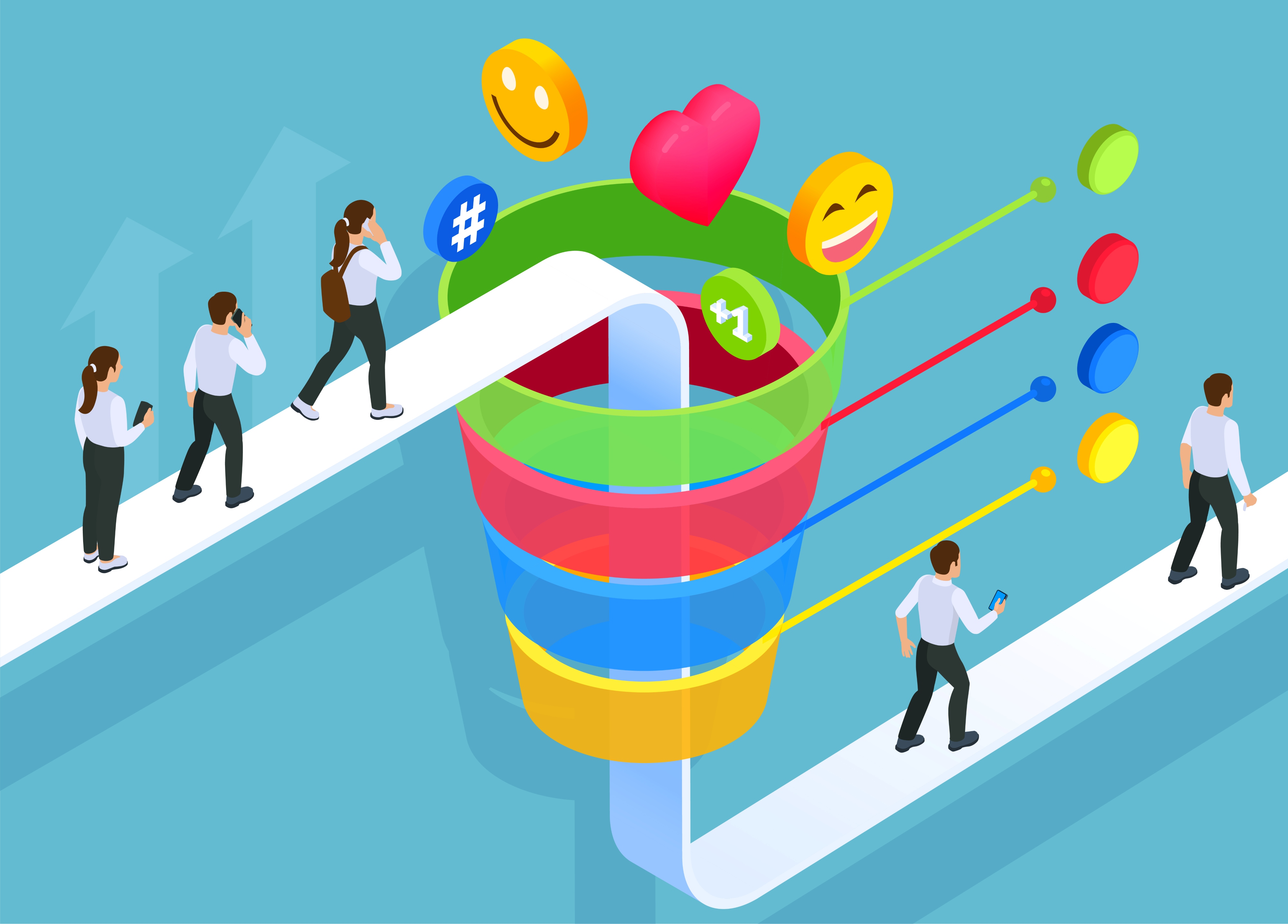
In a video marketing funnel, you can use videos during the following stages: awareness, consideration, conversion, and retention. Here’s what video does in all these stages.
At the top of the funnel, video introduces a brand to people who may not know it yet. Since attention spans are short here, videos need to be fast-paced. It’s okay if your videos don’t have a lot of depth since your goal is to reach as many people as possible.
When creating these discovery-focused videos, simple visuals and direct language perform better than long explanations. Sound-off viewing also shapes creative choices, since captions carry much of the message.
Some of the videos to create in the awareness stage are short-form social clips, vertical videos, brand moments, teaser edits, culture videos, event snippets, visual hooks, and looping animations.
These videos place a brand in front of new audiences at scale. Views and reach matter most at this stage. Follower growth, profile visits, and repeat exposure are also signs of traction. Strong awareness content gives later stages something to build on rather than starting cold.
Grammarly’s awareness video is an excellent example here.
Once people recognize a brand, questions start to surface. What does this product do? How does it compare to a product they may already be using? Video answers these questions. For example, this walkthrough video from Keka explains what the tool does.
Educational videos often outperform text at this stage because they reduce effort for the viewer. Research summaries, explainers, and walkthroughs help people sort options without digging through dense pages. Many B2B teams see higher watch times on videos that focus on one problem at a time rather than broad overviews.
In the consideration stage, create explainer videos, feature breakdowns, comparison videos, use-case stories, recorded webinars, short lessons, and product walk-throughs.
Consideration videos keep attention longer and help people self-qualify. In 2026, as attention spans decline even more, you really need to be on top of your game during this stage. Here, video marketing metrics go from raw views to watch time, repeat plays, comments, and click-through behavior.
Near the decision point, hesitation replaces curiosity. People want reassurance. Video addresses these questions faster than text. For example, a short demo can show how something works in seconds, while a testimonial can answer doubts that copy cannot. This customer testimonial video from FlowInk Pictures is a good example.
Landing pages, pricing pages, proposal decks, and sales follow-ups benefit from visual explanations that videos provide.
Create the following videos during the conversion stage: product demos, customer testimonials, FAQ videos, pricing explanations, objection-handling clips, sales follow-ups, and proof-focused stories.
These videos reduce uncertainty and speed decisions. They support sales teams inside CRM systems, email tools, landing page builders, and ad platforms.
Video still matters after a purchase. New customers need guidance on how to use your product, while existing users need updates. For example, Slack constantly posts videos on how to use its tool and any new features.
Retention content often feels quieter than other stages, but it plays a major role in satisfaction and repeat business. Short advice clips also perform well inside customer portals and email updates.
Create onboarding walkthroughs, setup guides, feature updates, usage tips, troubleshooting clips, training libraries, and customer success stories to retain your customers.
These videos keep customers engaged long after the first sale and turn one-time buyers into long-term users. The metrics to measure include activation rates, feature adoption, return visits, and renewal behavior.
As video output grows, teams rarely sit in one place. Just like the previous years, 2026 may also see teams working with professionals across the globe. Editors may be working from one country, while producers may be from another. A solid video production strategy accounts for this situation.
Distributed teams need coordination that survives time zones. Everyone should know what stage a video is in, who owns the next step, and when delivery is expected. Corporate video production runs smoother when planning happens upfront and stays visible throughout the process. Here’s how to ace it.
If you have people working in different time zones, daily check-ins should come in the form of short, written updates rather than live meetings. The latter can often be intrusive.
A daily post that covers status, blockers, and next steps keeps work moving without forcing overlapping hours. If you need to have a live call, it should have an agenda and clear outcomes. Loose catch-ups only waste time.
It’s important that you have a shared video asset library that includes raw footage, brand elements, scripts, and final exports. Use clear naming conventions to reduce confusion and folders to organize different types of videos. Nothing stalls progress faster than hunting for files.
Feedback breaks remote workflows when it spreads across emails, chats, and comments. Centralized review tools fix that. If you use time-stamped notes, they let editors respond faster to cut revision cycles.
It also helps to set limits around who can review the content. One reviewer collects input before sending it forward. This keeps opinions focused and edits controlled.
Approvals for video production need defined owners. One person signs off per stage, while another handles publishing or distribution. Keep checklists to prevent missed steps, especially when videos move between awareness, consideration, conversion, and retention stages. Once approved, assets should move directly into the tools used for ads, email, sales, or onboarding.
When you’re creating a full-funnel video production strategy, you’ll need tools that help teams plan, create, refine, store, distribute, and measure video content across the system. Below are the major categories of tools used in professional video work.
Planning lays out what you will make and how it fits into your video production strategy. You’ll need tools that help you create storyboards, schedule production, create call sheets, and write scripts.
One commonly used option for storyboards is Boards. It lets teams map shots visually, add notes, and adjust sequences in a browser, which keeps everyone aligned early in the process. Here’s a demo on how to use it.
Celtx is another choice. It combines scriptwriting with storyboards, shot lists, and scheduling in one place so teams can see the structure of their projects and what comes next. Notion and Trello are also flexible spaces for script collaboration and tracking production tasks, especially for teams that like visual boards or nested documents.
If you need a tool for production scheduling and call sheets, StudioBinder is an excellent choice. It centralizes crew lists, calendars, and task assignments so that video production work stays on track and aligns with your full-funnel goals.
Meanwhile, tools like Miro support remote teams by letting groups brainstorm and arrange production ideas on a shared board, which helps with early alignment across time zones. Here’s a quick three-minute guide to master the tool.
Production tools focus on capturing footage and managing capture across locations. Even basic camera, audio, and lighting gear has software that supports consistent output.
For teams working remotely, cloud-linked tools smooth the connection between shoot and edit. Platforms like Frame.io let crew members upload footage or preview cuts from any location. So, directors and editors stay in sync even when not in the same studio. The following playlist shows how to use this tool.
Similarly, Descript doubles as a capture and collaboration tool with text-based editing and shared timeliness, which can cut down on rounds of back-and-forth edits.
When producing live content or simultaneous multi-location shoots, you should plan around equipment, bandwidth, and recording workflows. Remote teams often use shared calendar tools and cloud folders to keep everyone on the same page.
After the shoot, editors bring raw footage together and refine it to fit funnel goals like product explanations or demo spots. There are a ton of tools that can help in this part of the full-funnel video marketing process.
Adobe Premiere Pro remains a standard for editing. It supports complex timelines, effects, and deep control over every frame. Editors familiar with corporate video production often choose it for detailed work.
Alternatively, you can opt for DaVinci Resolve to add robust color grading and collaboration across platforms. Avid Media Composer still holds strength in high-end broadcast and film, even as workflows adapt to cloud and marketing needs.
Another notable tool here is Blackbird, which allows remote editing in low-bandwidth situations, which makes it easier for global teams to work on shared footage without huge file transfers. Here’s a video showing how to build a basic editing sequence in this tool.
For feedback loops and version control, tools like Wipster and Filestage let teams upload cuts, gather comments in context, and track versions over time so nothing gets lost in email chains.
Once videos are ready, distribution and analytics tools take over. Good hosting platforms help with playback quality, privacy, and performance measurement.
Wistia is a useful tool that combines hosting with marketing and analytics functions. It gives teams data on viewer behaviour, engagement trends, and how videos perform on landing pages or in email campaigns. Meanwhile, Vidyard focuses on sales and marketing alignment by adding features like lead capture and CRM integration so that you can connect views and interactions directly to contacts and revenue outcomes.
You can also connect analytics platforms like Google Analytics or Tableau to video performance data so that teams see how viewers move through a video marketing funnel, from first touch to conversion.
The steps below offer teams a process to manage their video production strategy in a way that supports awareness, leads, and sales across the video marketing funnel.
Look at your existing video assets. Look at every piece created across awareness, consideration, conversion, and retention. Assess quality, performance, and where they live in your systems or libraries.
Is there content for each stage of the funnel? Are some parts of the journey unsupported? A structured inventory helps you find gaps and prevents overinvestment in content.
Next, align your video assets to how customers move through the sales funnel. Identify what questions people have when first discovering you and what obstacles slow down decisions later. Use real data on drop-off points and engagement trends to decide where new videos must fill a gap.
The following video shows how to create a customer journey map in just a few steps.
Assign responsibility for every part of the process, from scriptwriting and shoot logistics handling to editing and revisions. Plus, define deliverables and handoff points to reduce overlap and keep tasks moving without confusion or burnout. It’s also helpful to document who owns metrics tied to campaign results.
Work from a shared calendar that captures key milestones and checkpoints. Each video moves through concept approval, script sign-off, rough cut review, and final sign-off before release. Use one or more of the tools that we’ve highlighted earlier to keep everything on track.
A standard set of criteria for each stage makes feedback faster and more consistent. Team members across departments will know when and how to review, so revisions don’t mess up production.
Distribute your videos to ads and landing pages based on where viewers will likely engage at each funnel stage. Schedule releases, align campaigns to audiences, and add video elements to high-traffic pages to support conversions.
You should also set up tracking tags and event code so you can connect engagement back to campaign performance. Our guide on video distribution and monetization can be super helpful here.
Determine what success looks like at each stage of your video marketing funnel. Track views, watch time, leads influenced, and pipeline impact. You’ll need to watch patterns of engagement and drop-off so you know which content moves people closer to action.
Visit your buyer journey regularly and update video plans. As teams iterate, your funnel becomes a living framework that improves with real insight. Use our video analytics guide for this step.
.gif)
Full-funnel video production works when every piece of content has a job to do. When all stages of the buyer journey connect through planning and workflow, video supports real business outcomes.
However, the difference shows up in execution. Often, when teams try to do everything in-house, things go haywire, especially when roles are distributed across locations. In such situations, a video production company, such as INDIRAP, can help manage the whole video funnel. We bring everything from creative strategy to distribution under one roof, so you don’t have to use a dozen tools or get stuck with emailing back and forth.
Book a strategy call to see how INDIRAP supports you in driving awareness, leads, and sales.
Full-funnel video production means creating different videos for awareness, consideration, conversion, and retention, so content supports the entire buyer journey instead of serving just one campaign or moment.
In 2026, audiences interact with brands across many channels. Full-funnel video production helps brands stay consistent across social, ads, websites, sales, and onboarding. No matter where the customers are, there’s a video to remind them of your brand.
Video introduces brands at the top, explains value in the middle, answers final questions before purchase, and supports customers after the sale through onboarding and ongoing education.
Sales teams use mid and lower funnel videos to explain products, handle objections, and follow up faster. Sales teams can also use these videos to entice prospects into learning more about the product. These videos reduce back-and-forth and help prospects understand value before live conversations.
Teams rely on shared calendars, clear roles, collaborative tools, centralized file storage, and structured review tools. This keeps production moving across time zones without constant meetings or lost feedback.